How did we get to this issue?
Indian lawyers handle large volumes of:
Documents
Case updates
Research tasks
Drafting work every day.
But most legal tools they use are:
Cluttered
Text-heavy
Not designed around how lawyers actually think or work.
Important actions get buried, navigation becomes confusing, and the cognitive load keeps increasing.
Organizations working in
similar domain

Domain
Indian legal research
Extensive Indian law database,
citator & AI summaries.
Interface cluttered
weak drafting & AI intera

Domain
Indian legal research
Well-known in Indian legal circles
Reliable citations
Outdated UX
Steep learning curve
Lacks conversational AI

Domain
Case law & judgments
Trusted for accuracy
Strong legal archive
Expensive subscriptions
Poor discoverability and
navigation

Domain
Indian startups
Experimenting with
conversational legal queries
Limited accuracy,
shallow UX- Still in beta stages

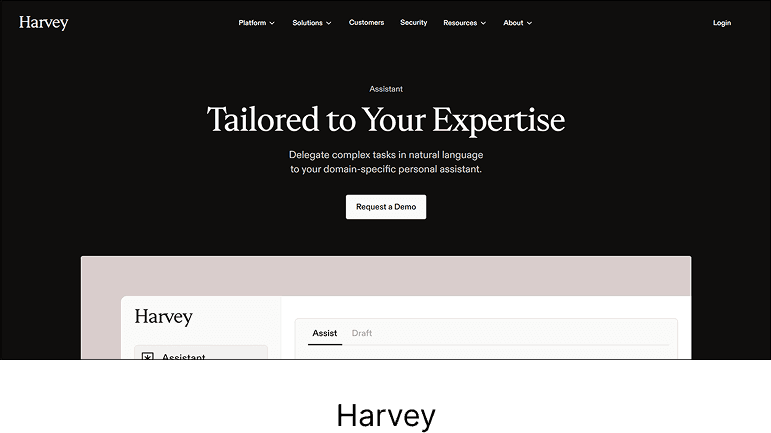
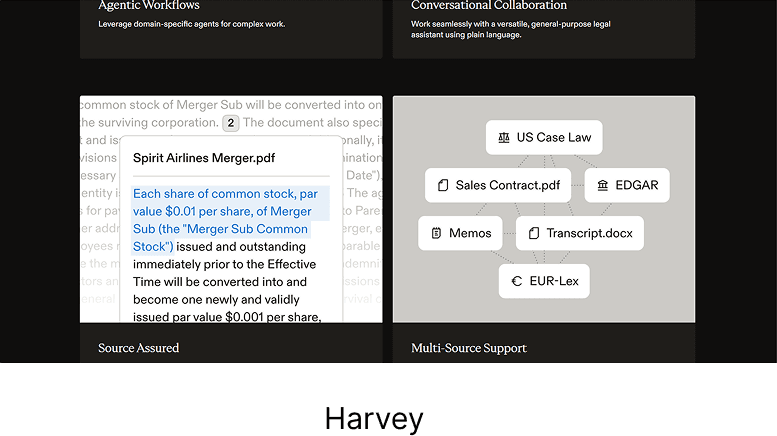
Harvey
Domain
AI for legal research
Deep GPT integration
Natural language legal queries
Powerful summarization
Western-centric
Not trained on Indian case law

Domain
AI legal assistant
Smart drafting
legal review
summarization
Requires U.S. law data set
Overly technical for Indian
workflow
LexisNexis
AI
Domain
Enterprise legal tool
Good for corporate firms
Integration with legal documents
Too complex for small practices
Subscription-heavy
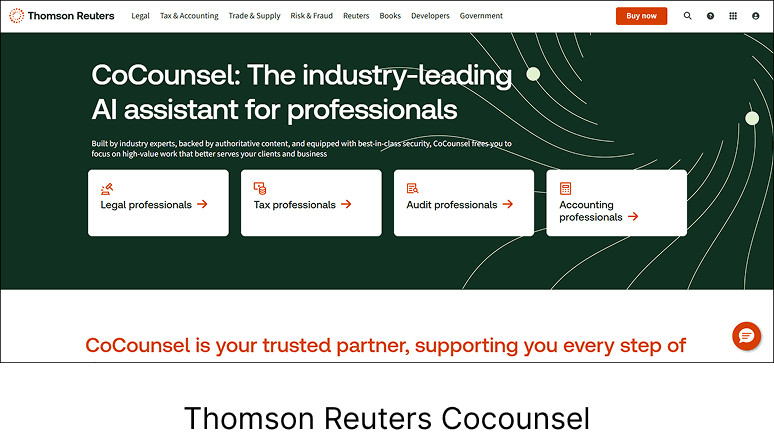
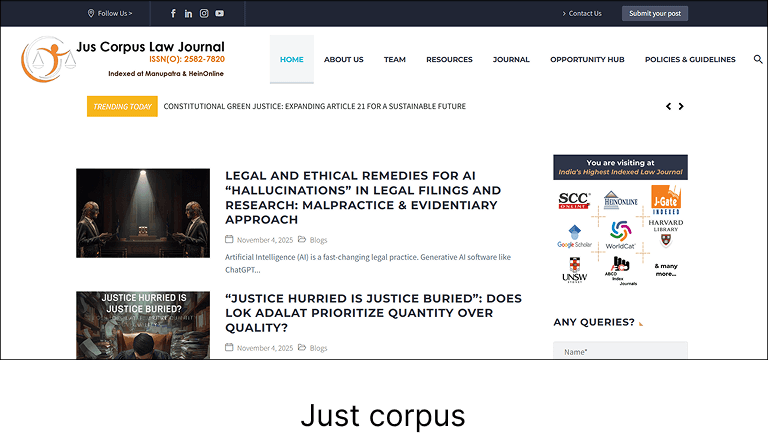
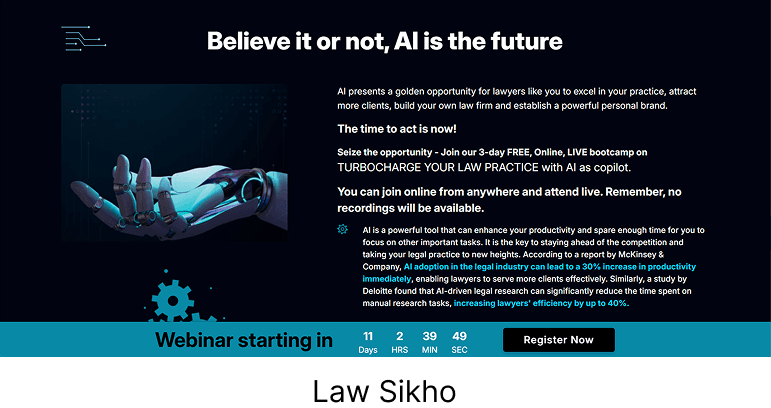
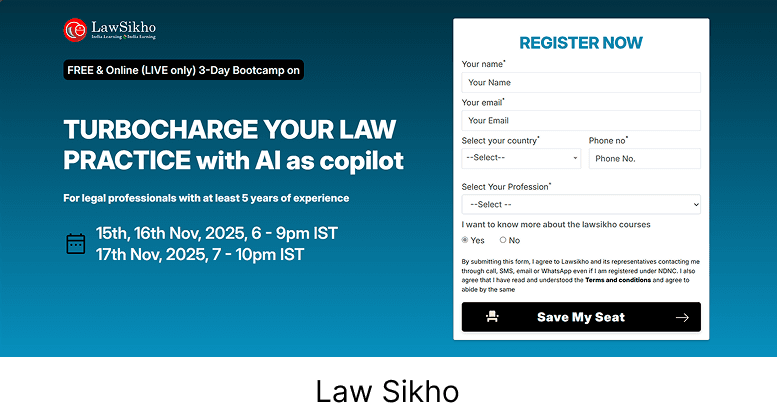
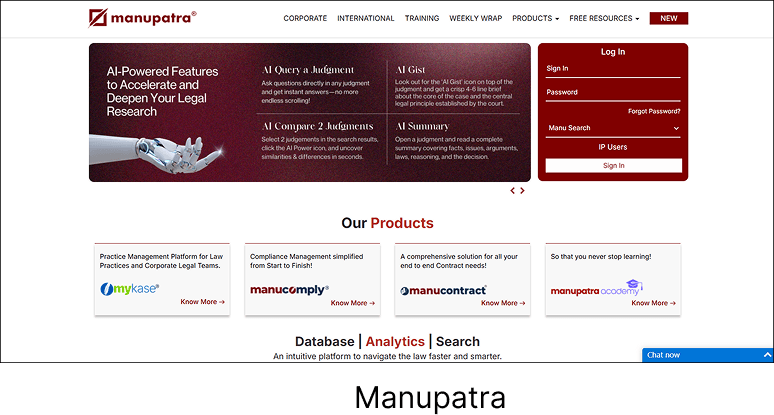
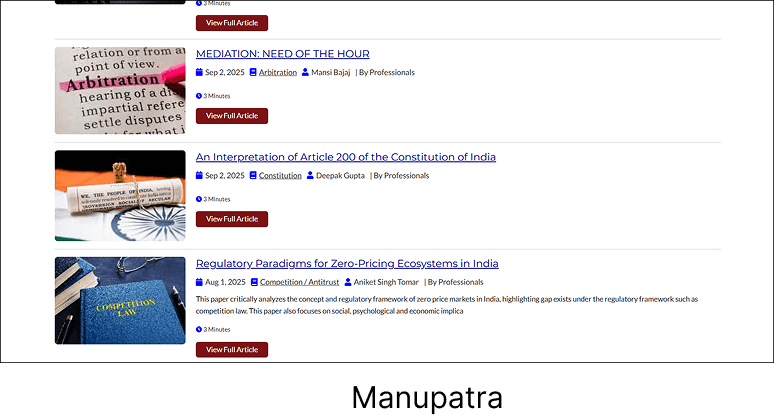
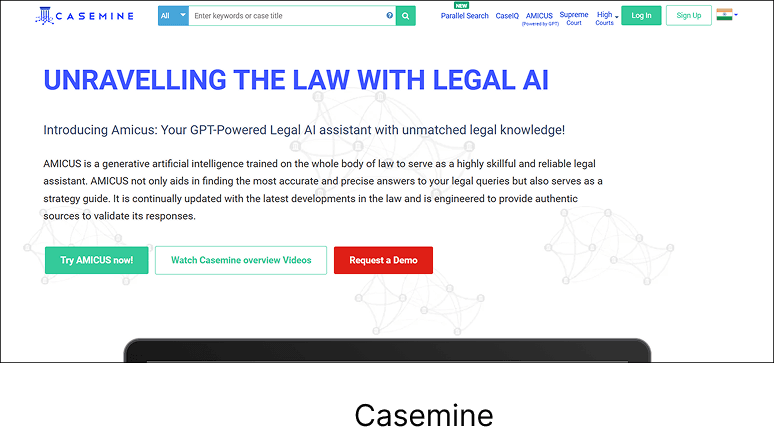
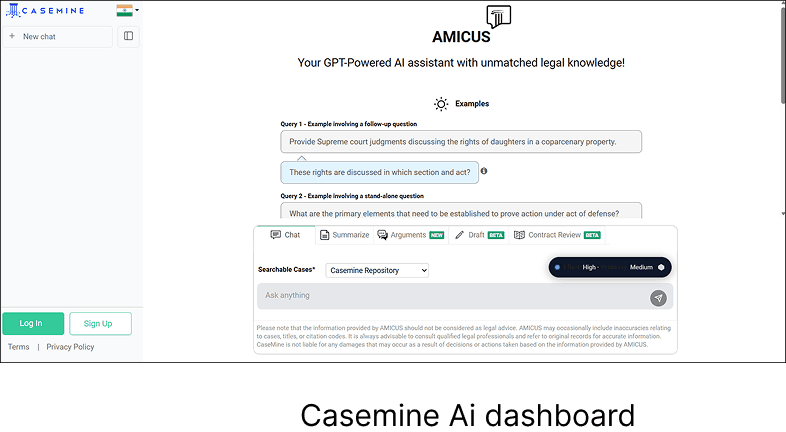
Screens of mentioned
organizations
Observations
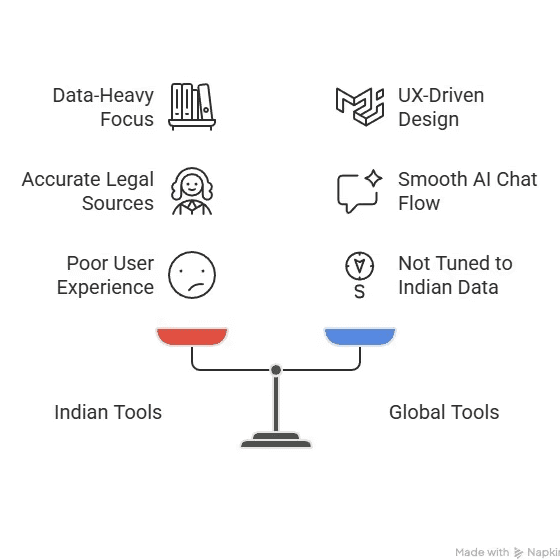
Balancing data and UX
in Indian legal AI tools
The proposed design focus on speed (search + quick actions), continuity (recent work), and confidence (verified data + privacy) solving the exact pain points these users face.
How do we design a first-touch experience for Indian lawyers that feels fast, trustworthy, simple and useful, helping them find, draft, and manage legal work without feeling overwhelmed?
What would a lawyer expect right away?
Quick access to research (search bar for case laws or judgments)
Tools for drafting legal documents or contracts
Access to recent work (open cases, drafts, or notes)
Option to upload case materials for AI assistance
communicate with AI assistant (chat interface)
These should form the core visible actions on the home screen.
Home Screen
Some sketches for initial screens focusing
only on how the AI assistant screen look like.
Designing the Home
page becomes important as it is the "first thing" the use sees.
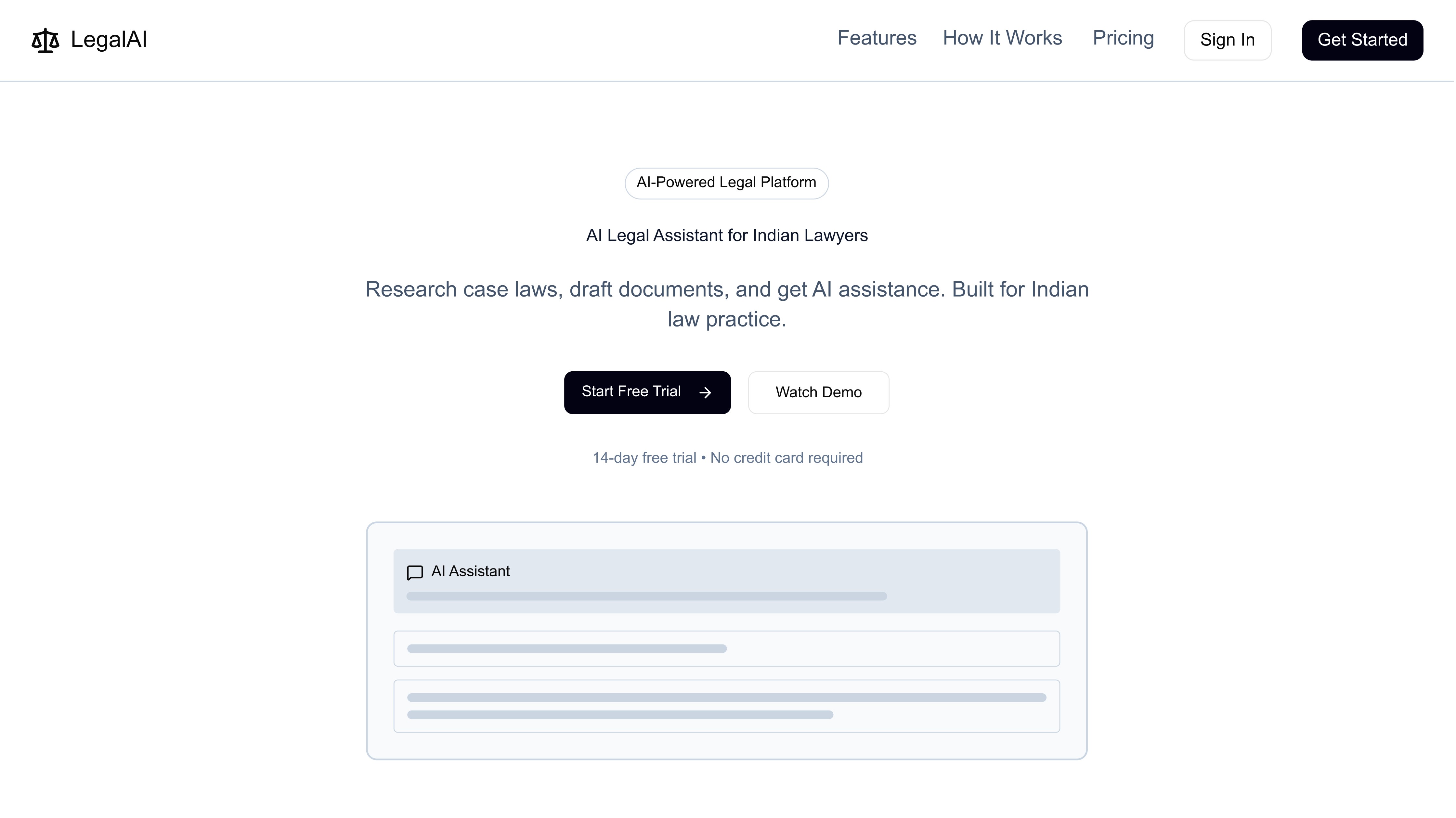
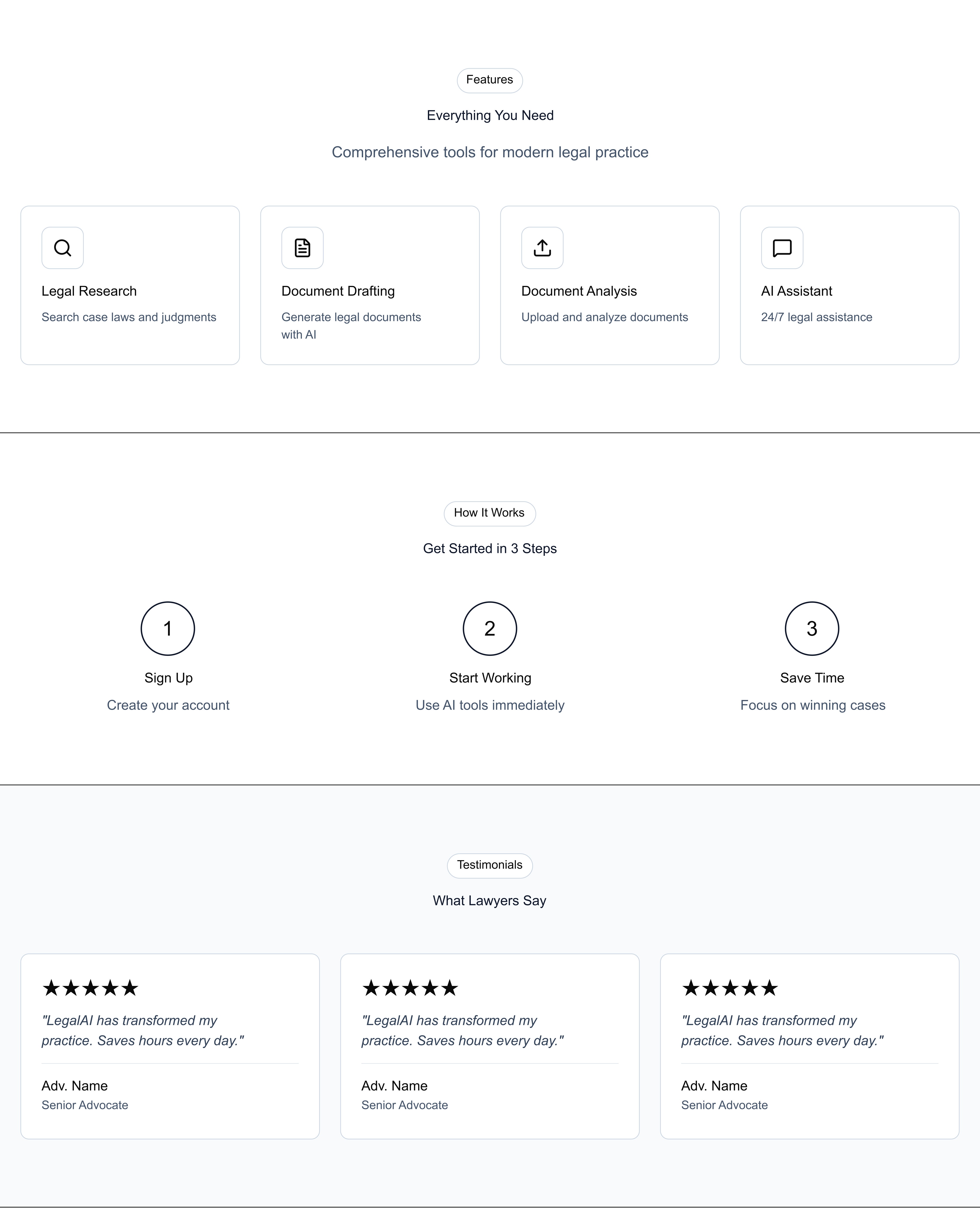
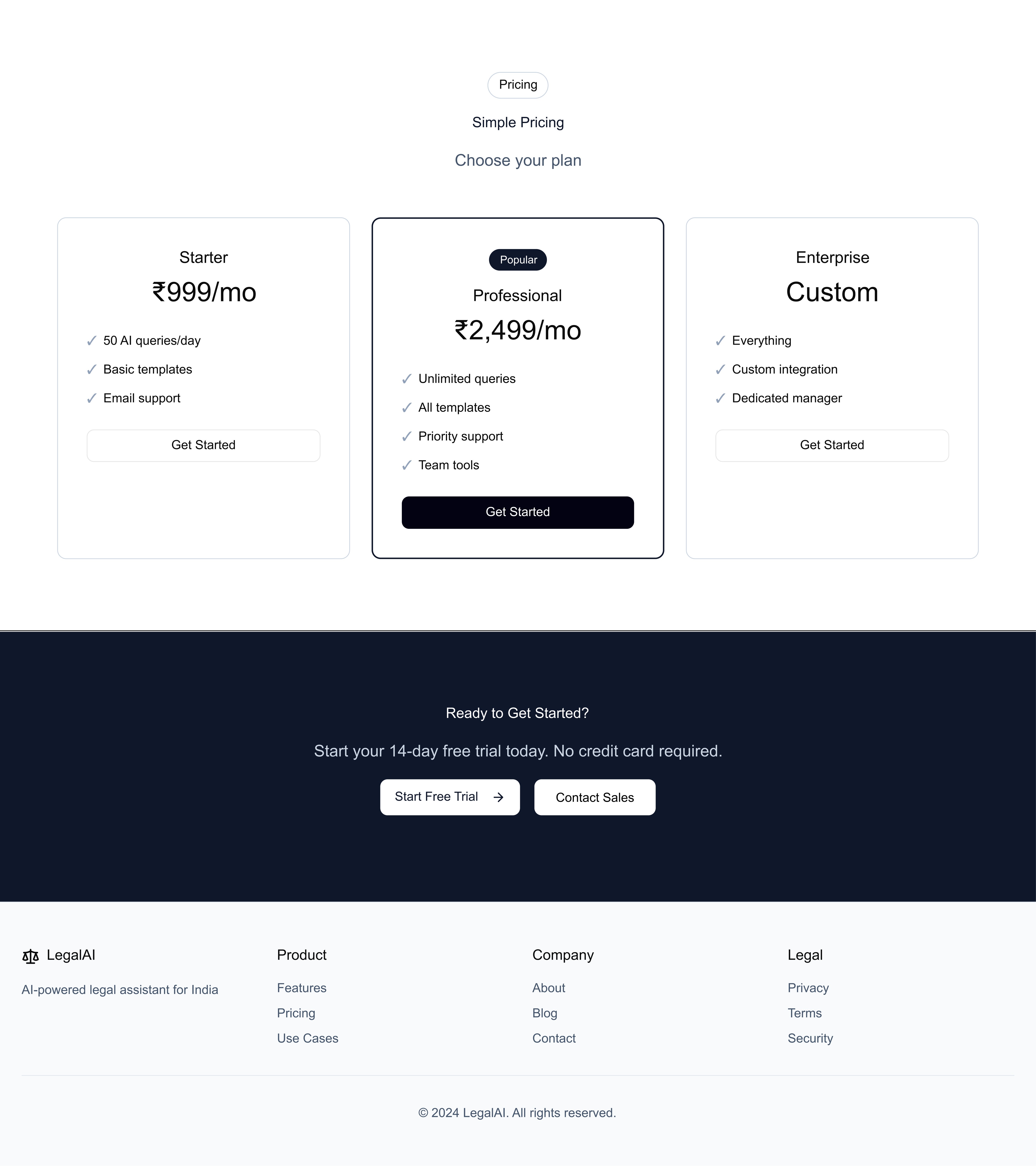
This page acts as the
guide making the user
aware of all the things
they need to know about using the platform.
How to use
Testimonial sections
Pricing
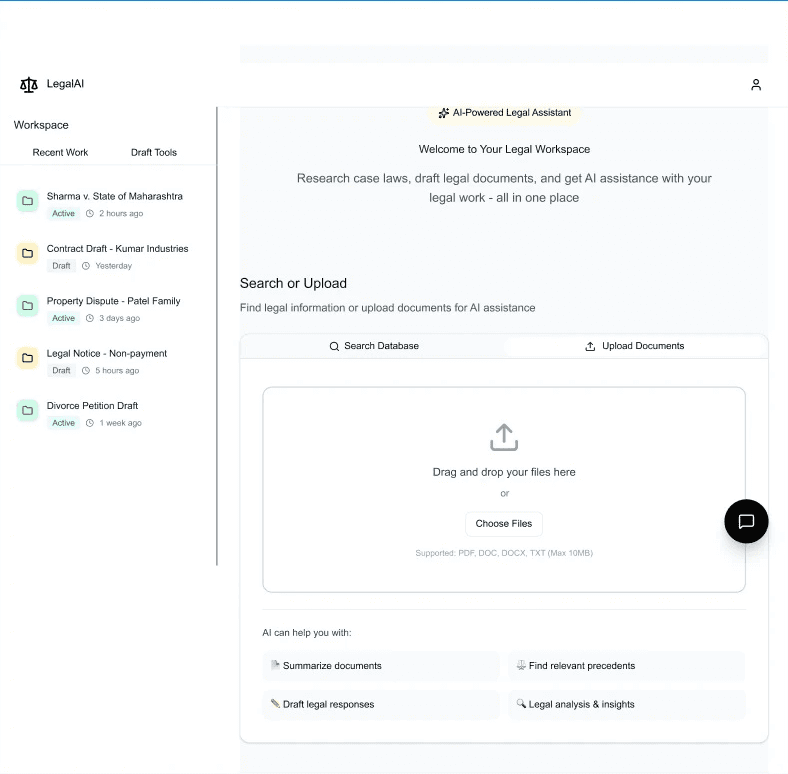
Dashboard
How the AI chat Interface will look like
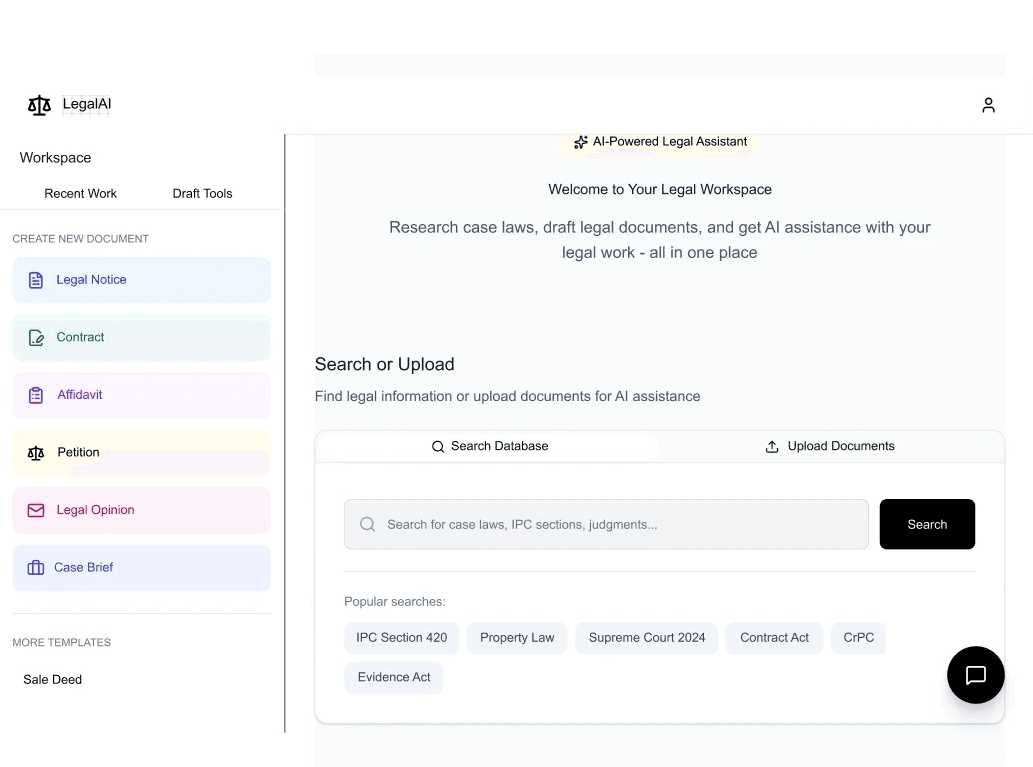
Reasoning Notes
A clean, lawyer-friendly home screen built for instant clarity.
A central smart search bar powers research, drafting, and quick questions, with shortcuts like Draft
Document and Find Precedents for immediate action.
Recent Activity ensures continuity and trust.
Clear navigation, Research, Drafts, My Cases, Chat, Settings, maps to real legal workflows.
Minimal clutter, strong hierarchy, less dashboard, more dependable assistant.
Reasoning Notes
How and why this is important is because most of
the professional are use to data heavy website and
if one introduces and new interface the user gets
intimidated.
so here the goal is to achieve the desired
result in a smoother way.


Current Design of
most of legal AI assistance
Phase 1 of New design
which is less cluttered/complex
than the old design
Phase 2 Introduction
if the new design system
End
Lets Get in Touch!
I'd love to connect