Game Design
First Iteration
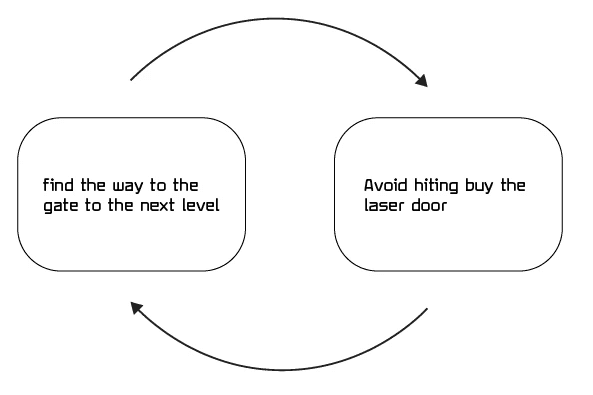
Core gameplay:
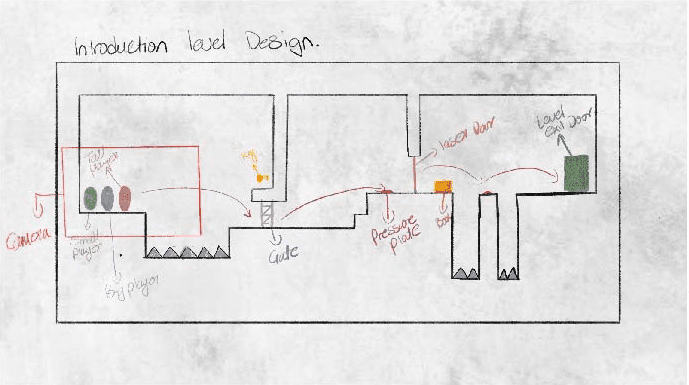
3 characters swap at different positions at point "A" and have to navigate to point "B" to the gate to the
next level.
Character control:
Big player: slowest, but can push objects.
Tall player: slow movement, but the Highest jump
Tiny player: Fast long jump can fit through a narrow lane.
Character switching:
Players can switch between characters.
Apply each character's ability to navigate the level.
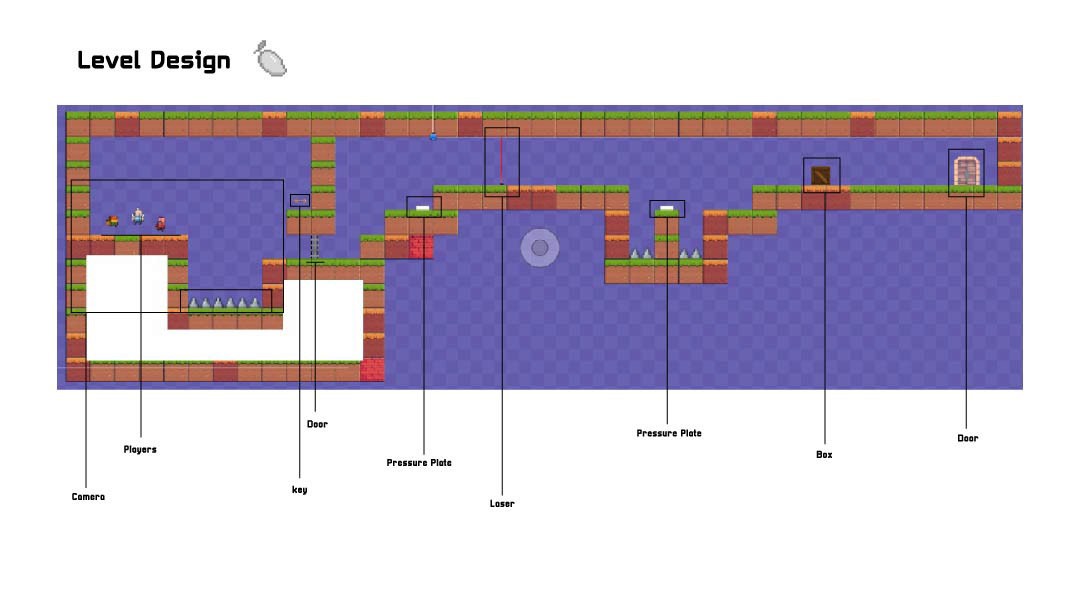
Play test feedback
The levels are too big in terms of movement from point A to point B
When switching the camera shifts to the other player, it is not comfortable for the eyes
Too many abilities are introduced at once
Visual are nice and on point
The pressure plate mechanics need to be more refined.
A introduction or tutorial guide will help in first few levels
Second Iteration
Core gameplay:
3 characters swap at different positions at point "A" and have to navigate to point "B" to the gate to the
next level.
Character control:
Big player: no ability
Tall player: no ability
Tiny player: no ability
Character switching:
Players can switch between characters.
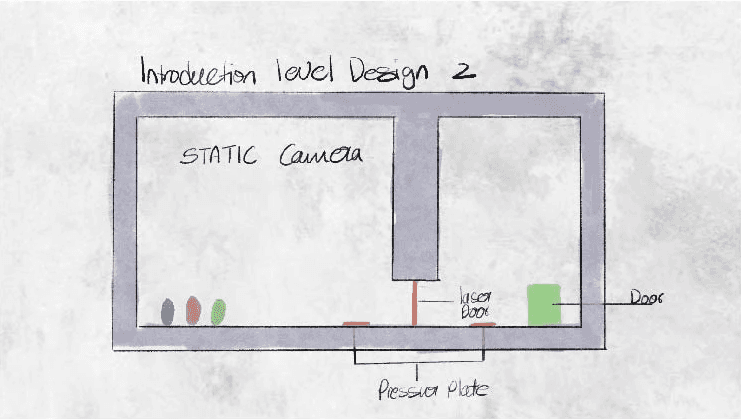
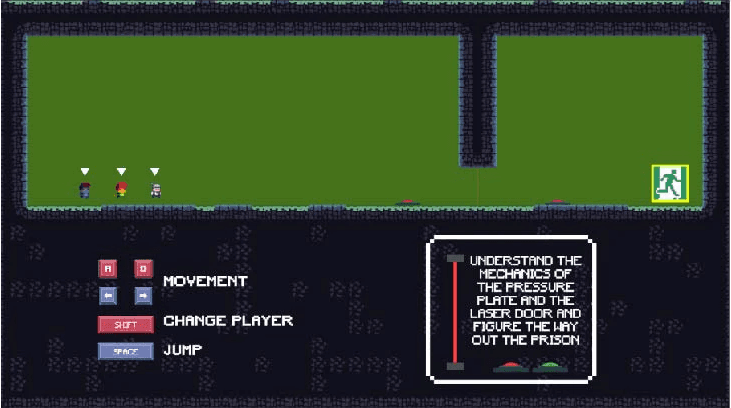
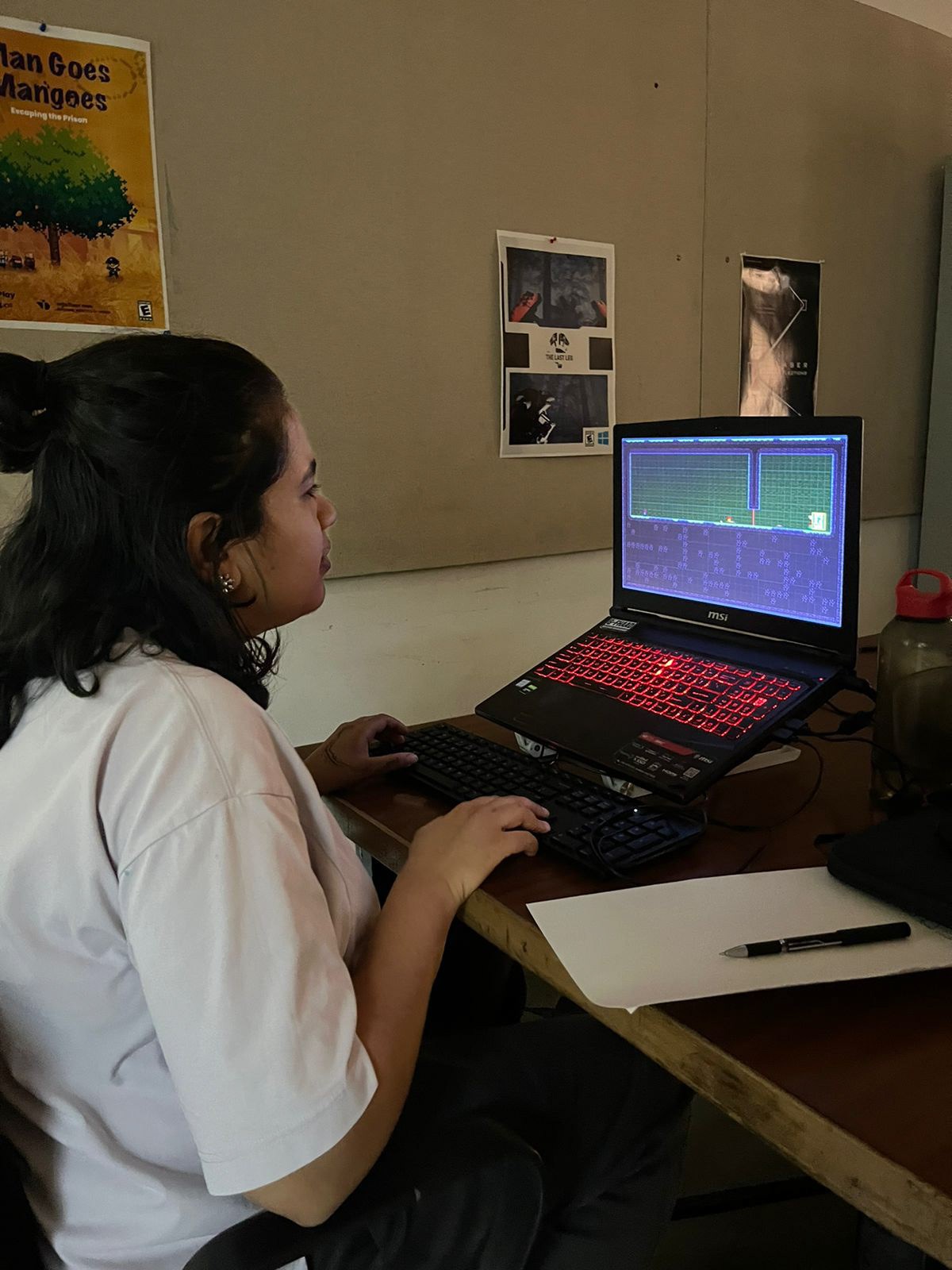
Play test 2 feedback
Seems much refined than the previous version
Improved camera
improved pressure plate mechanics
The game is challenging
Need bug fixes
Needs sound cues
The levels need to be reshuffled, making level 4 level 2, and so on.
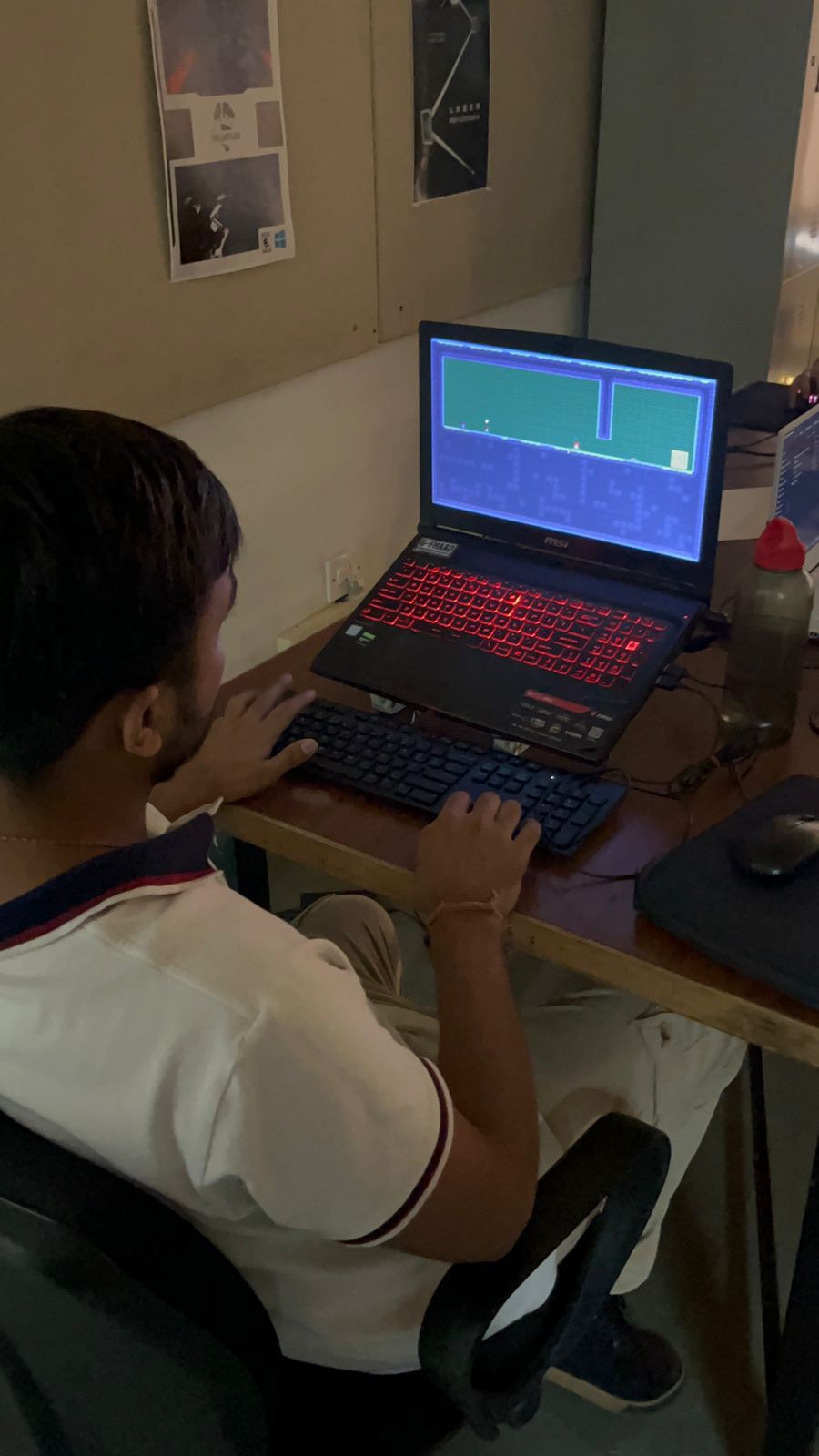
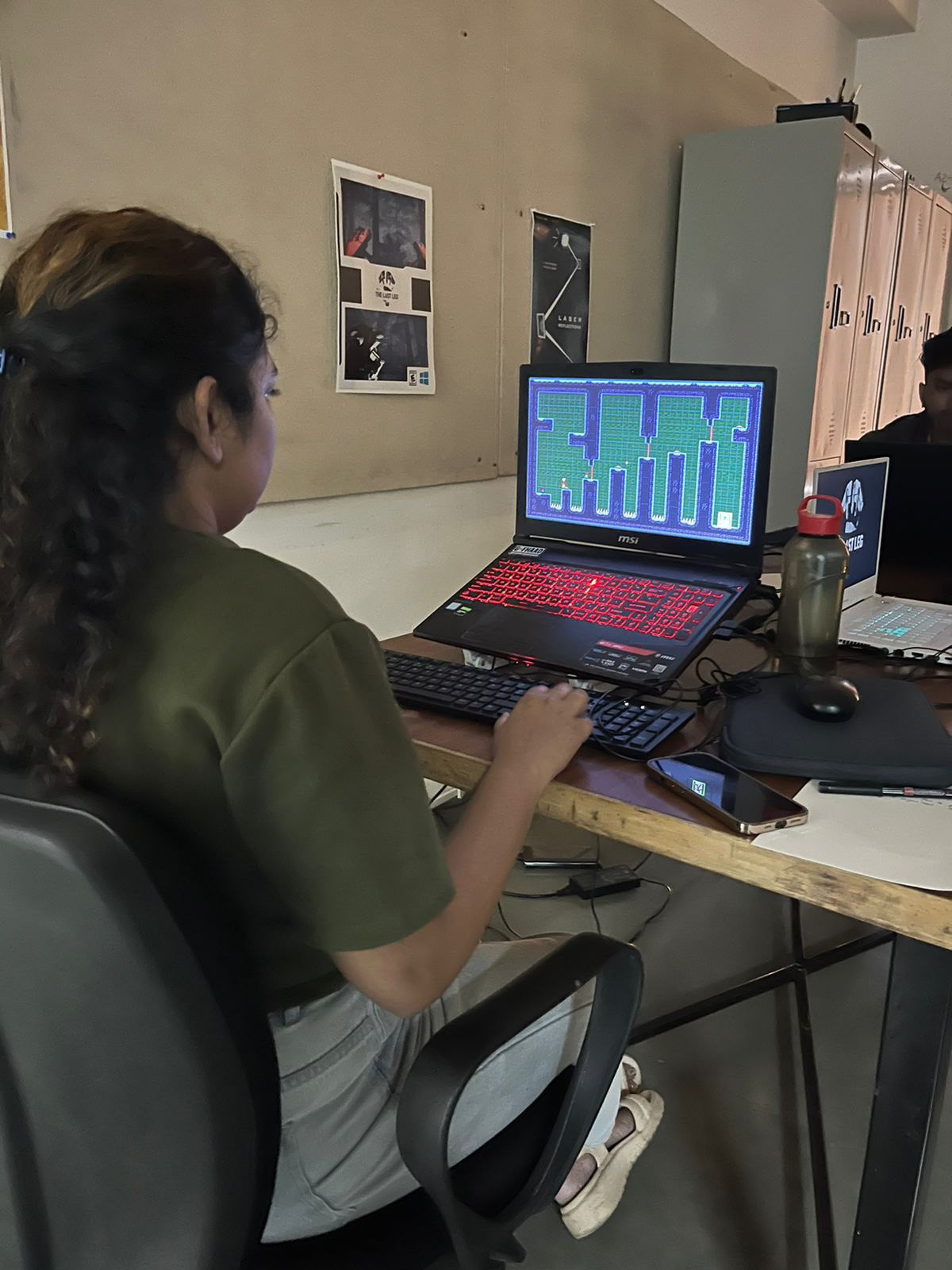
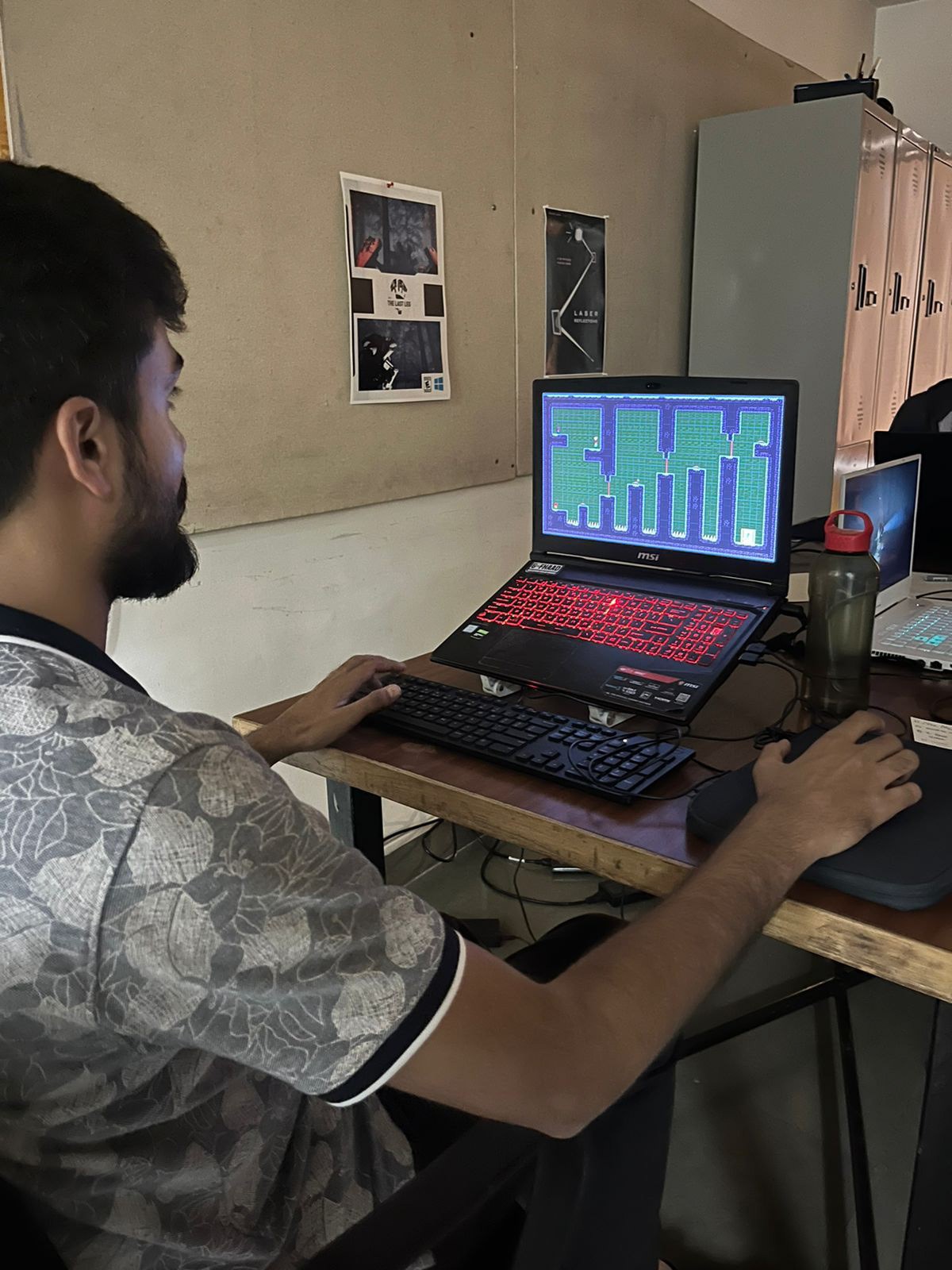
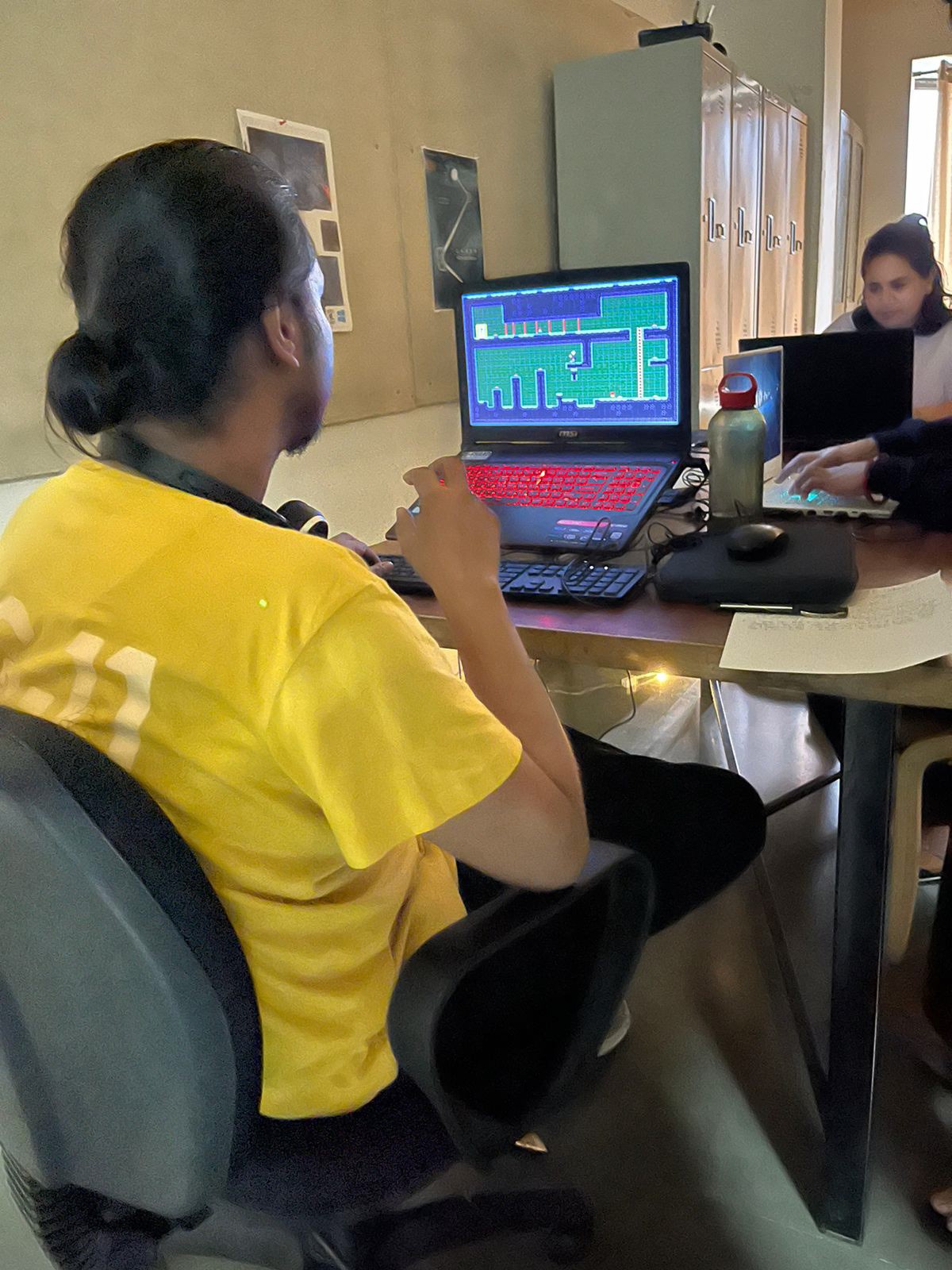
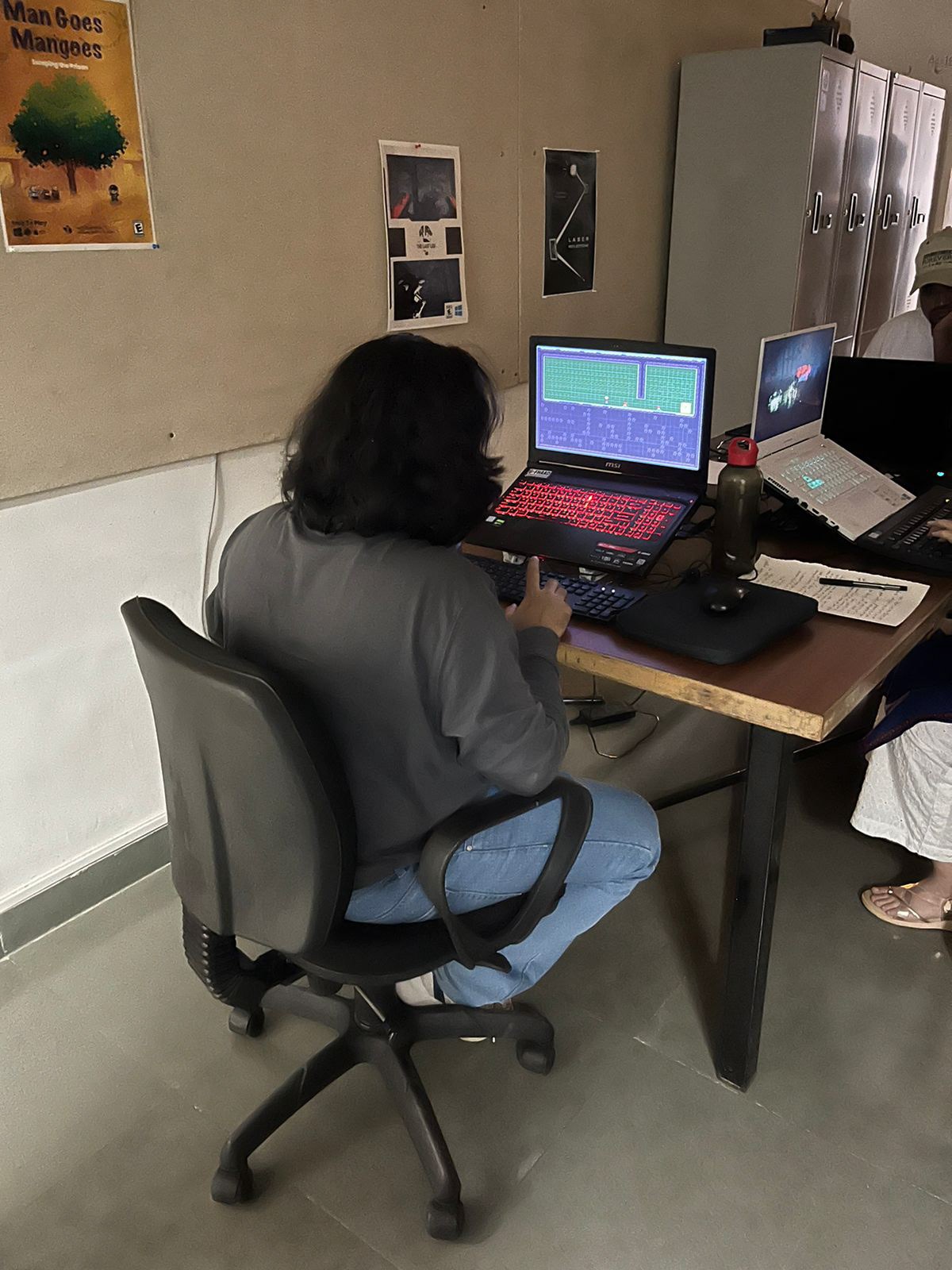
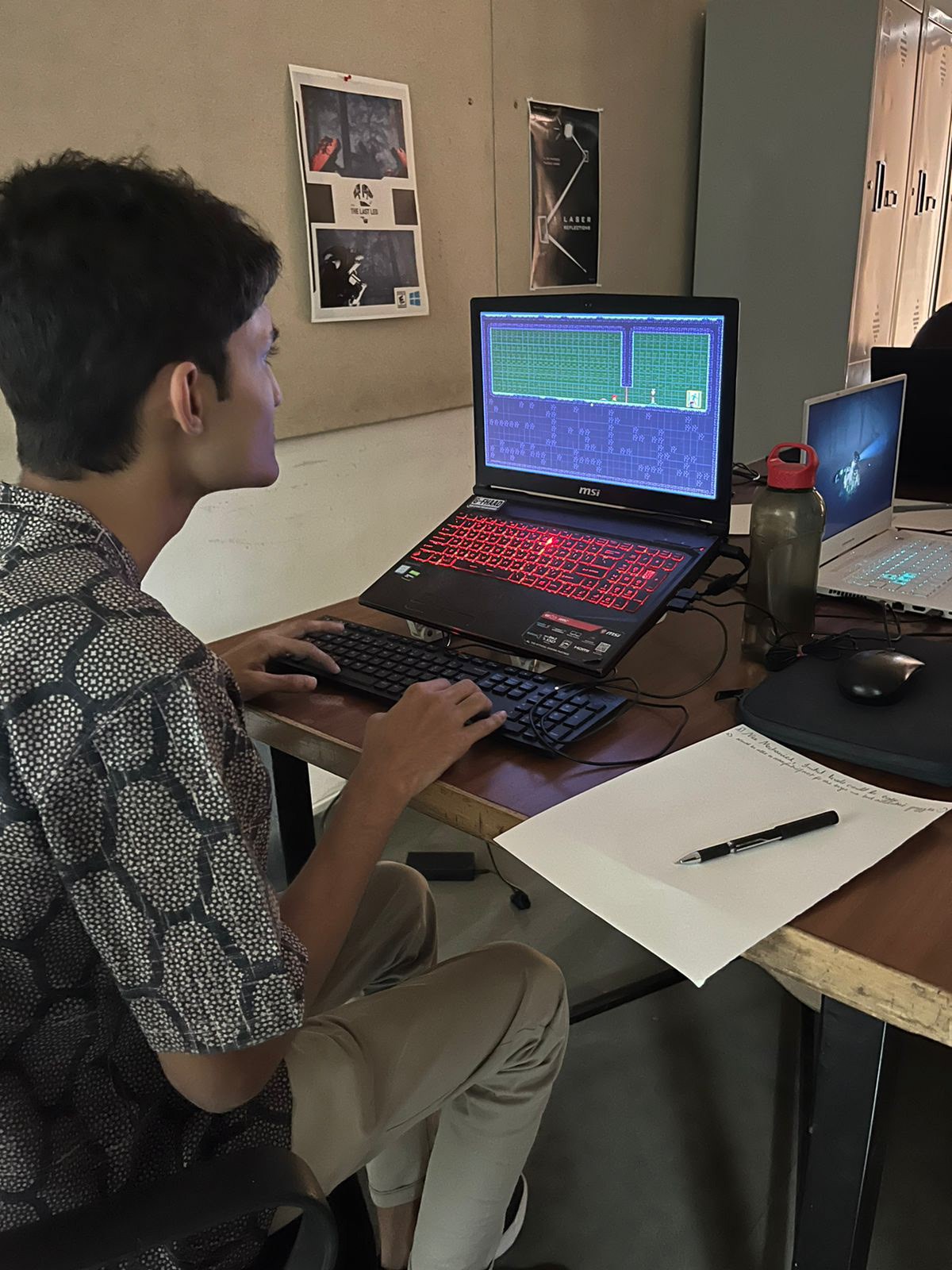
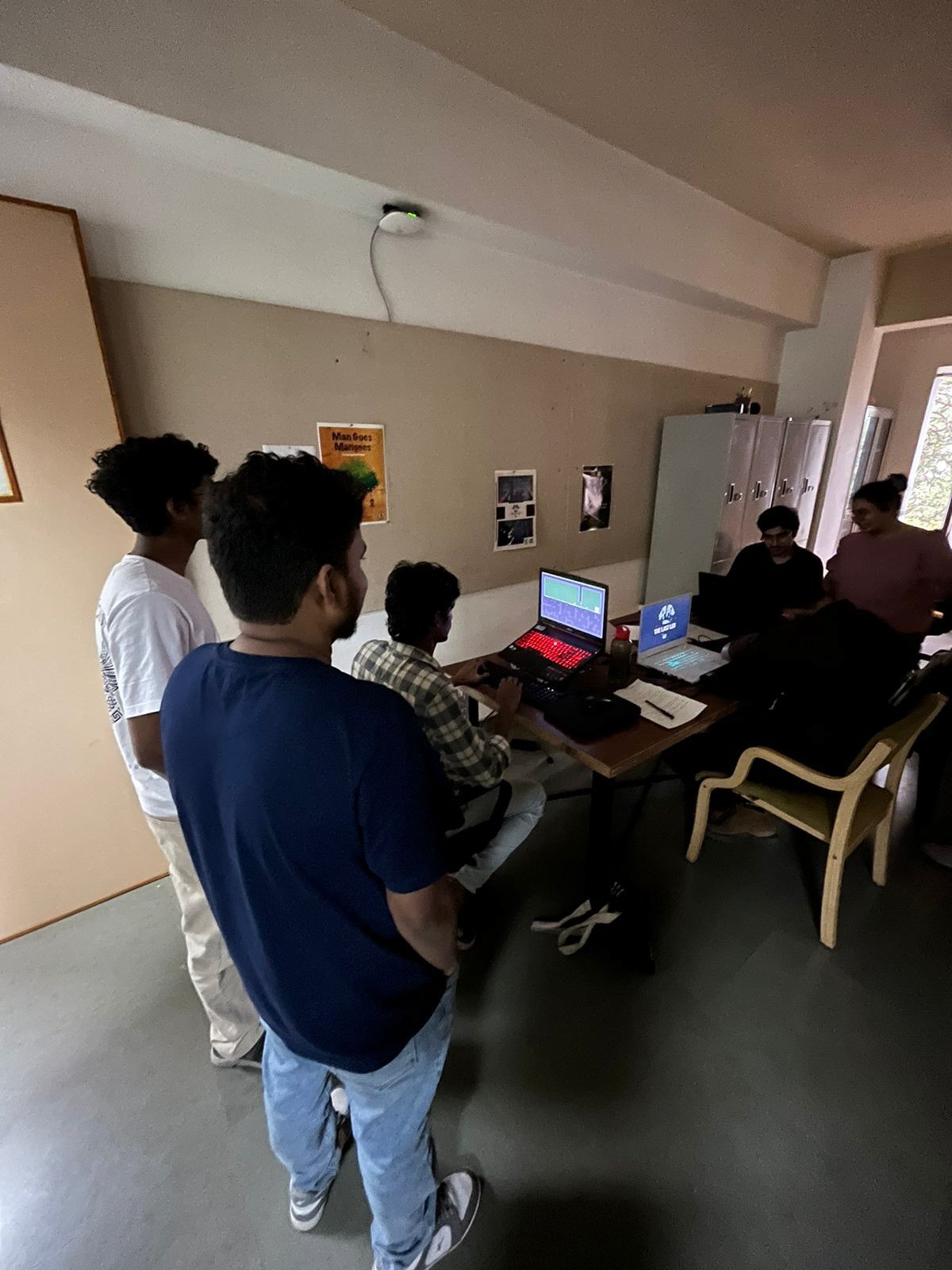
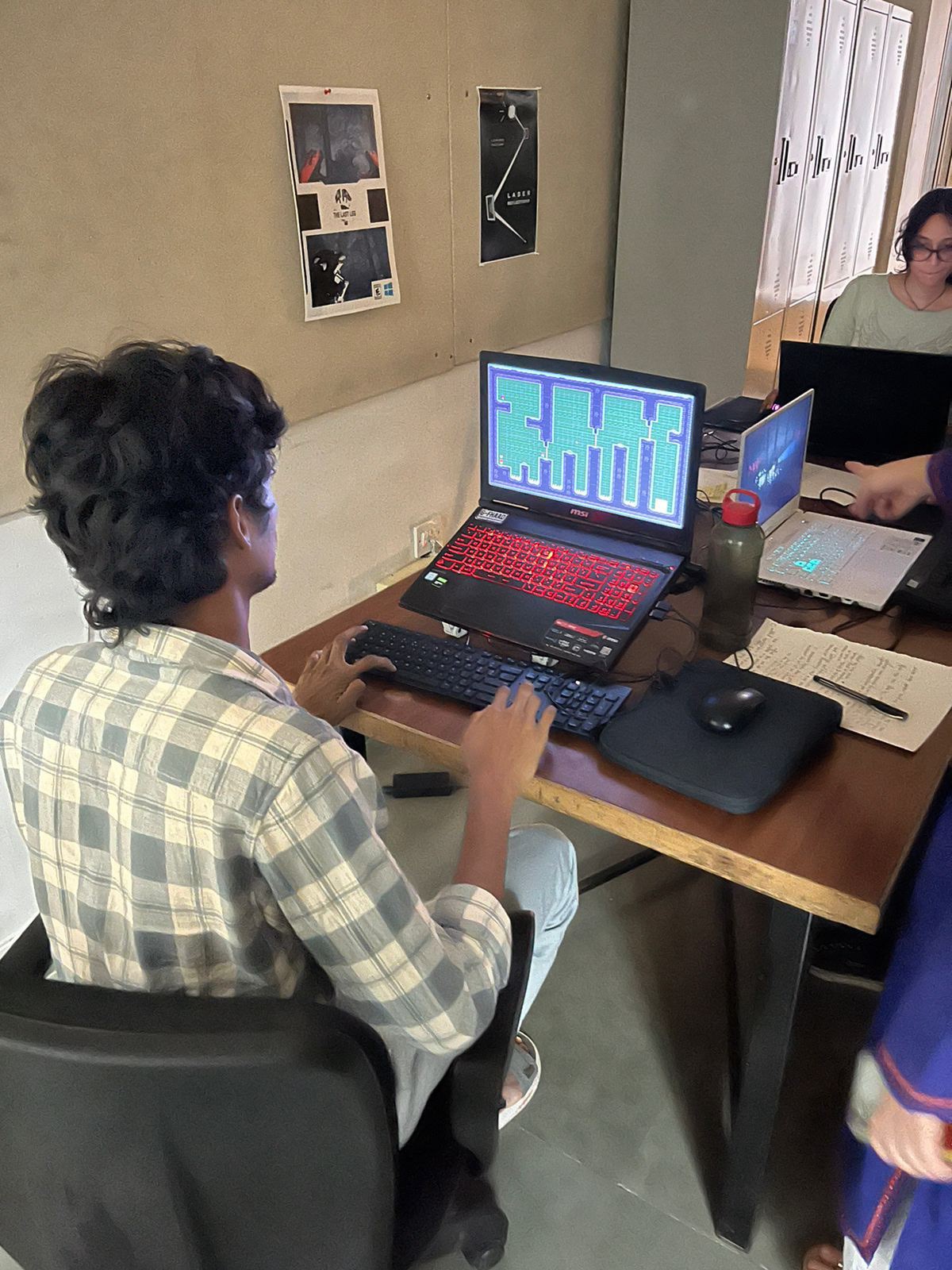
key levels
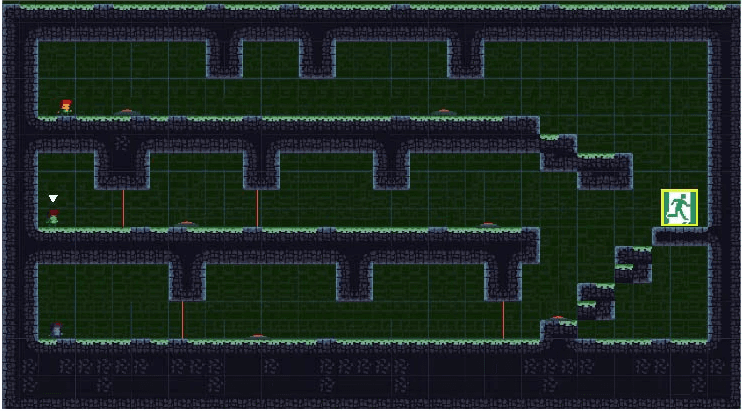
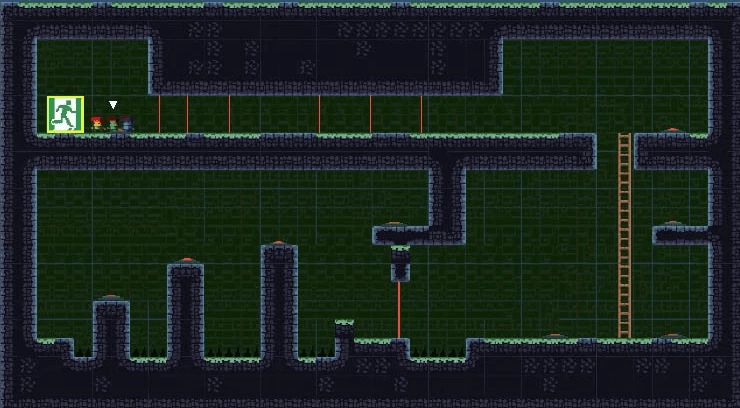
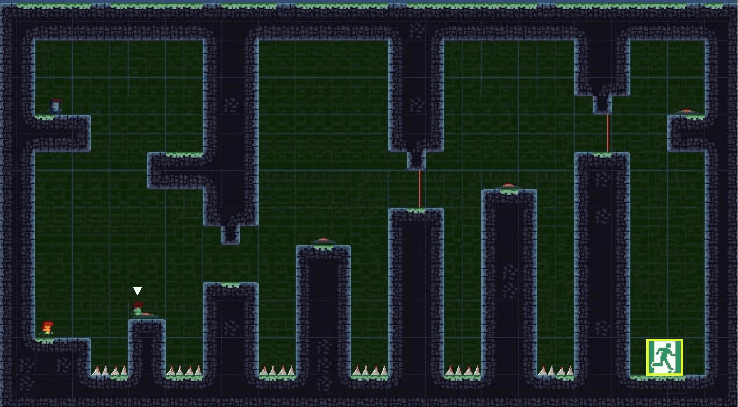
Game Art
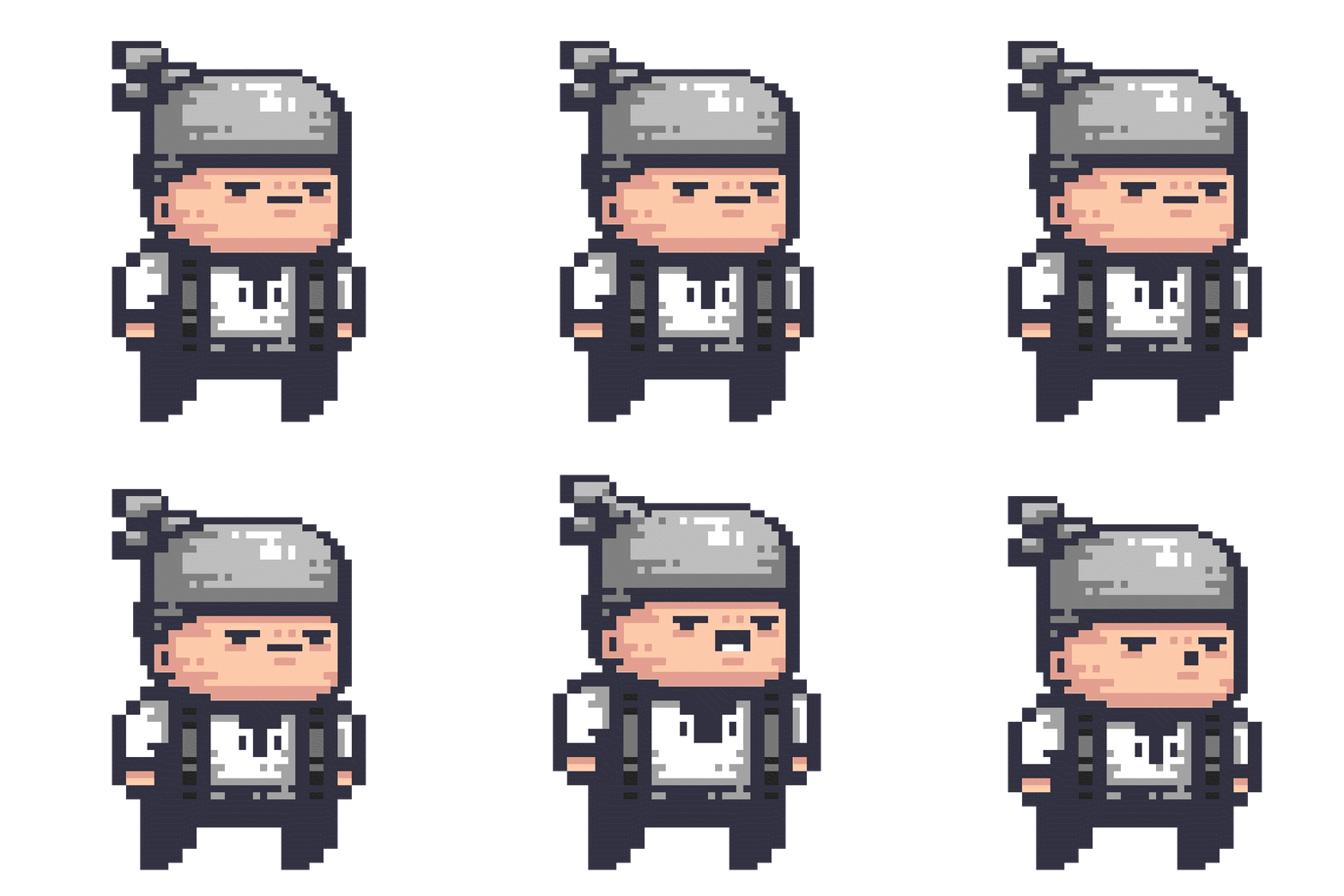
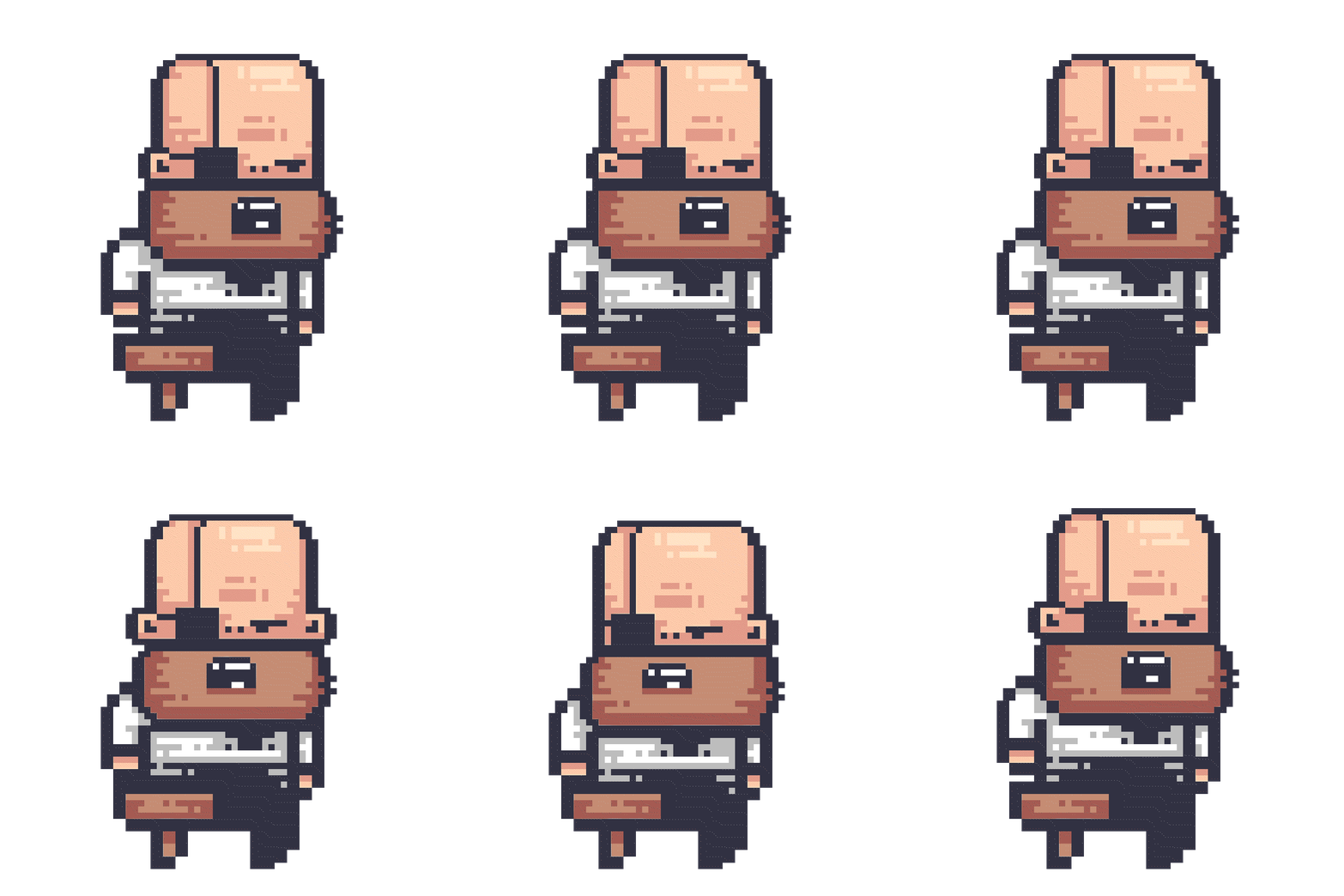
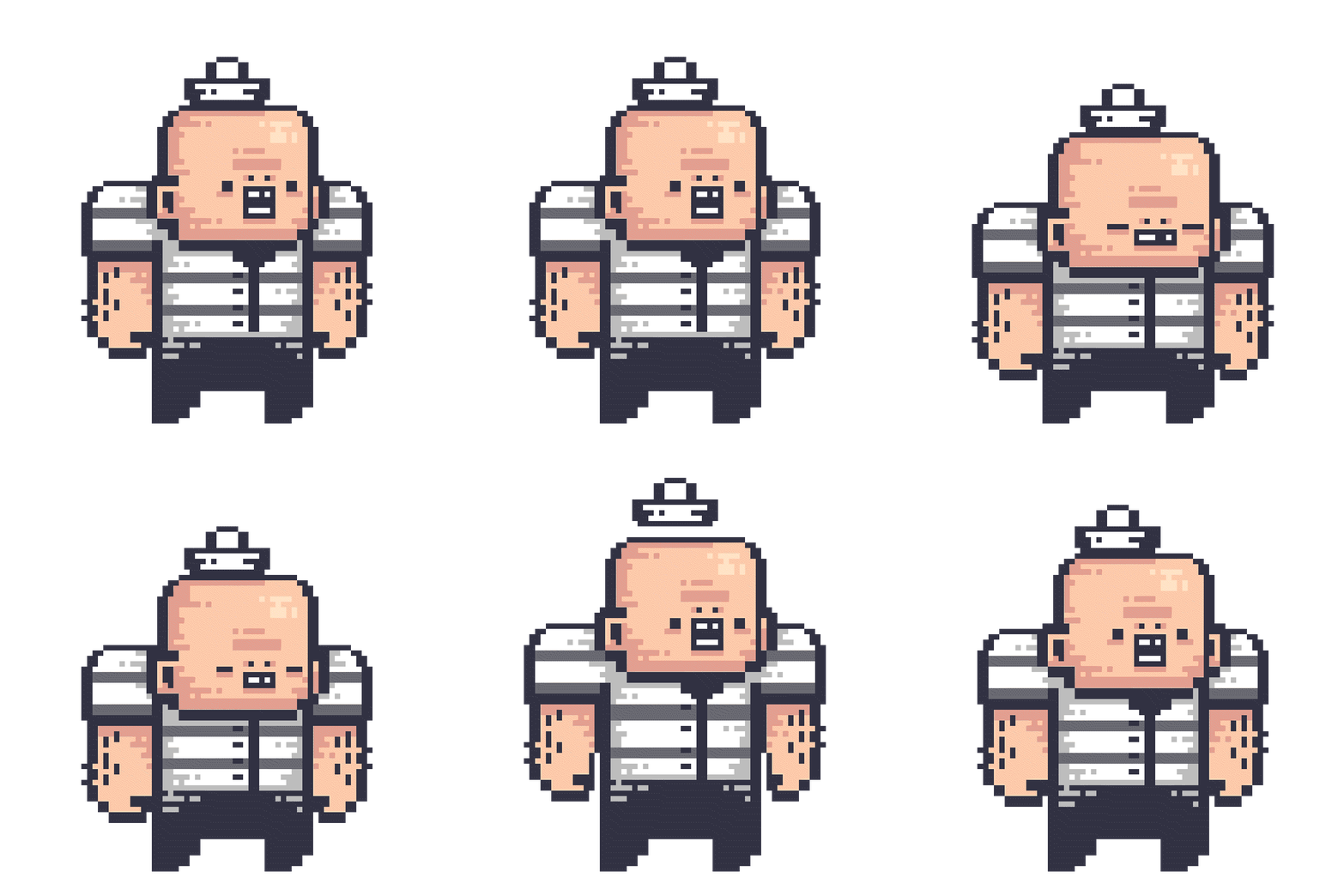
Characters
Key Takeaways
Explore pixel art and the technical side of pixel art. ✔️
Come up with an interesting Narrative for the game.✔️
Explore game engines.✔️
Explore Game mechanics. ✔️
Make interesting Level Design.✔️
It's good to be ambitious, but you need to align with your skill sets also when
There is a time frame.The 1st iteration was really good and is something I wish to implement as a
future scope. which is the current knowledge that puts a constraint on the initial
ideaThe 2nd iteration, which was simplified, turned out to be equally challenging as
the 1st iteration. After A/B testing.The idea of pixel art seemed a good choice as it taught me the technical side of
pixel art as well:
Resolution & Scaling
Keep assets at a consistent resolution. example: 32 x 32 px bit
Handle different screen aspect ratios cleanly.
Color & Palette
Manage limited palettes.
Implement lighting/effects without breaking style.
Animation
Balance smoothness with memory usage (sprite sheet size).
Manually draw every frame (time-consuming).
Tilemaps & Level Design
Ensure tiles align pixel-perfectly.
Add tile variations to avoid repetition.
Manage parallax backgrounds at correct scale.
Engine & Rendering
Enforce pixel-perfect rendering (no anti-aliasing).
Snap camera to whole pixels to avoid jitter.
Optimize sprite sheets for performance.
Modern Effects & UI
Use post-processing carefully to keep sharp look.
Match HUD/UI style and scale properly.
Avoid smooth rotations/scaling that distort pixels.